PM tools (Slack)

Overview

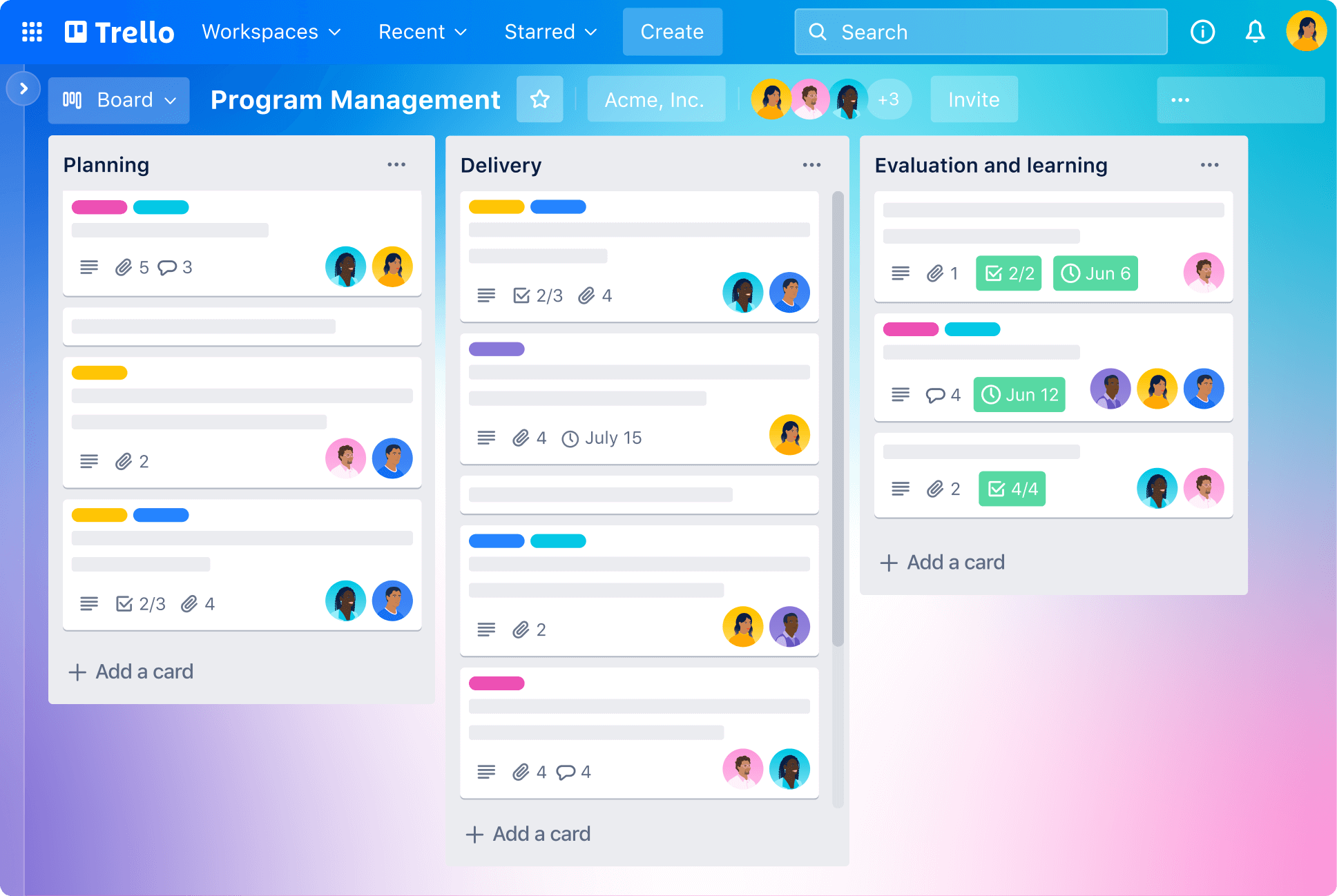
Trello is a visual project management software that uses a Kanban-style system of boards, lists, and cards to help individuals and teams organize tasks and collaborate effectively. It is a cloud-based application that can be used for personal or professional projects.

Getting started with Trello is easy, in this training you will learn about the fundamental components of Trello, boards, lists, cards, and more.

Course Schedule
 

Common Use Cases

Because of its flexible, intuitive design, Trello can be adapted for a wide range of uses, including:

  • Team project management: Organize team projects, manage sprints, and monitor progress.
  • Personal task management: Track daily to-do lists, set goals, and organize personal projects.
  • Planning: Create and organize meal plans, travel itineraries, or event plans.
  • Content creation: Manage content calendars and creative requests for marketing or editorial teams.
  • Bug tracking: Use a board to manage the reporting, tracking, and fixing of software bugs.

Pricing

Trello offers several pricing tiers:

  • Free: Suitable for individuals and small teams, offering unlimited cards and up to 10 boards per workspace.
  • Standard: Provides unlimited boards, advanced checklists, and larger file attachments for a small team.
  • Premium: Adds more views (Timeline, Calendar, etc.), admin controls, and security features.
  • Enterprise: Designed for large organizations, providing centralized admin controls and enhanced security.