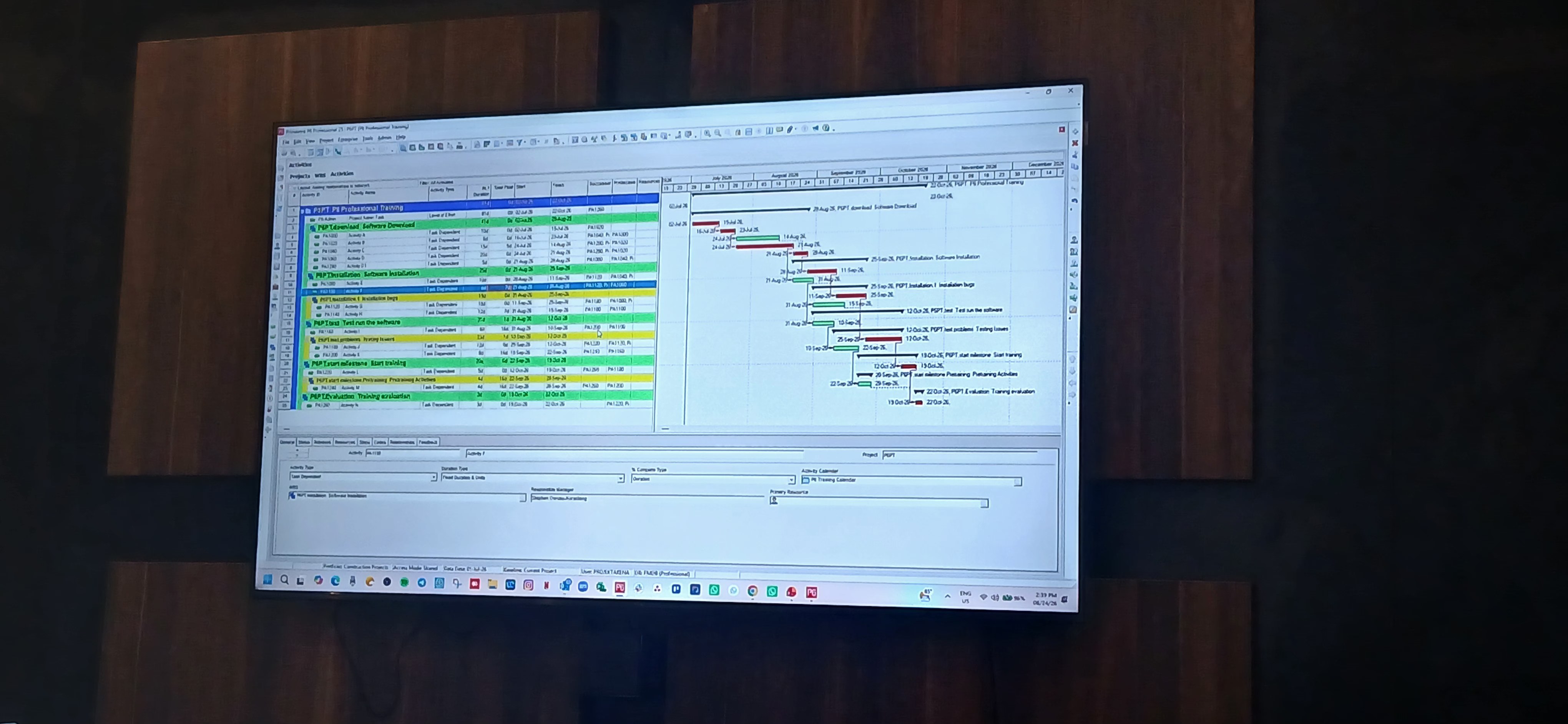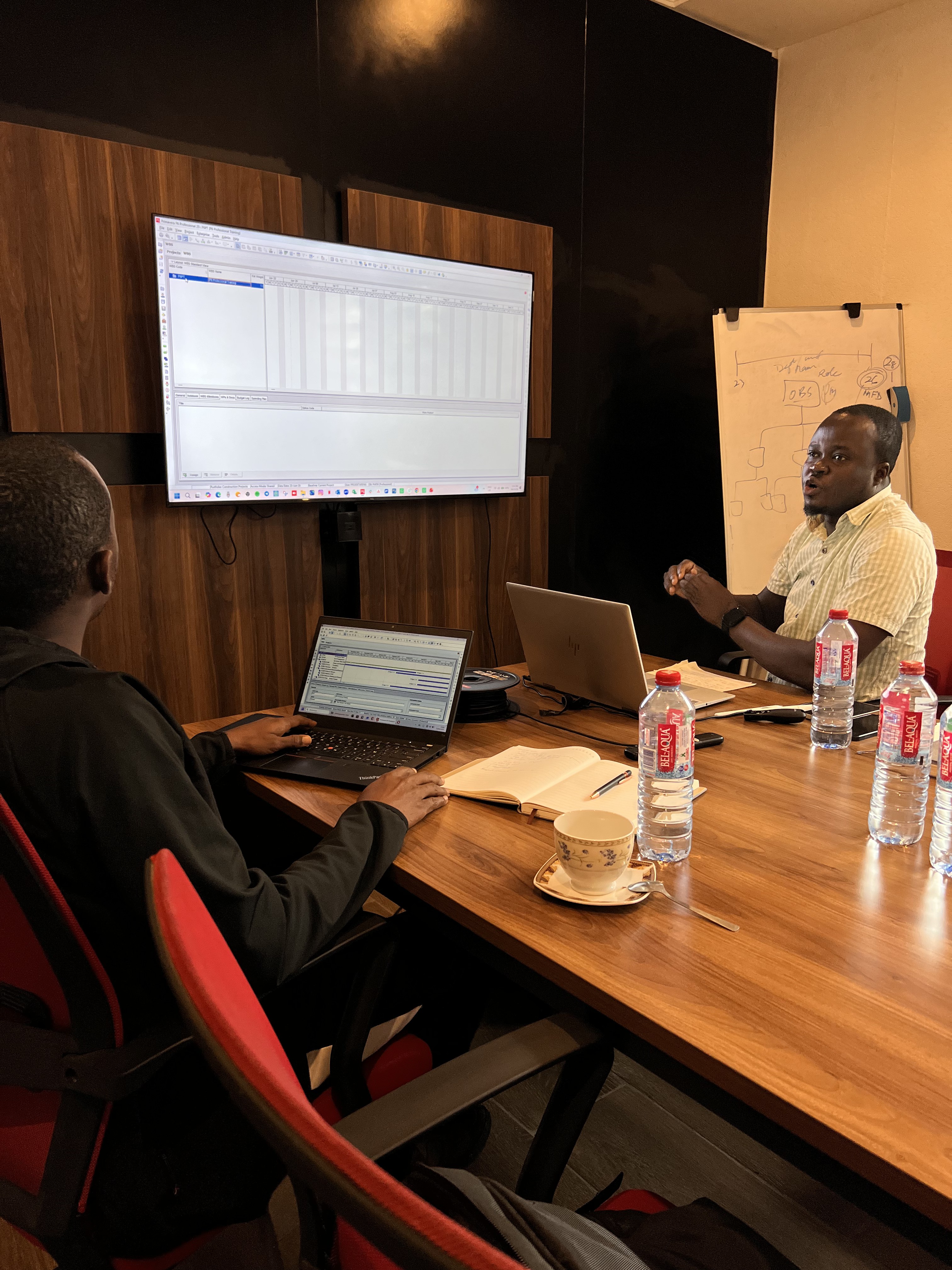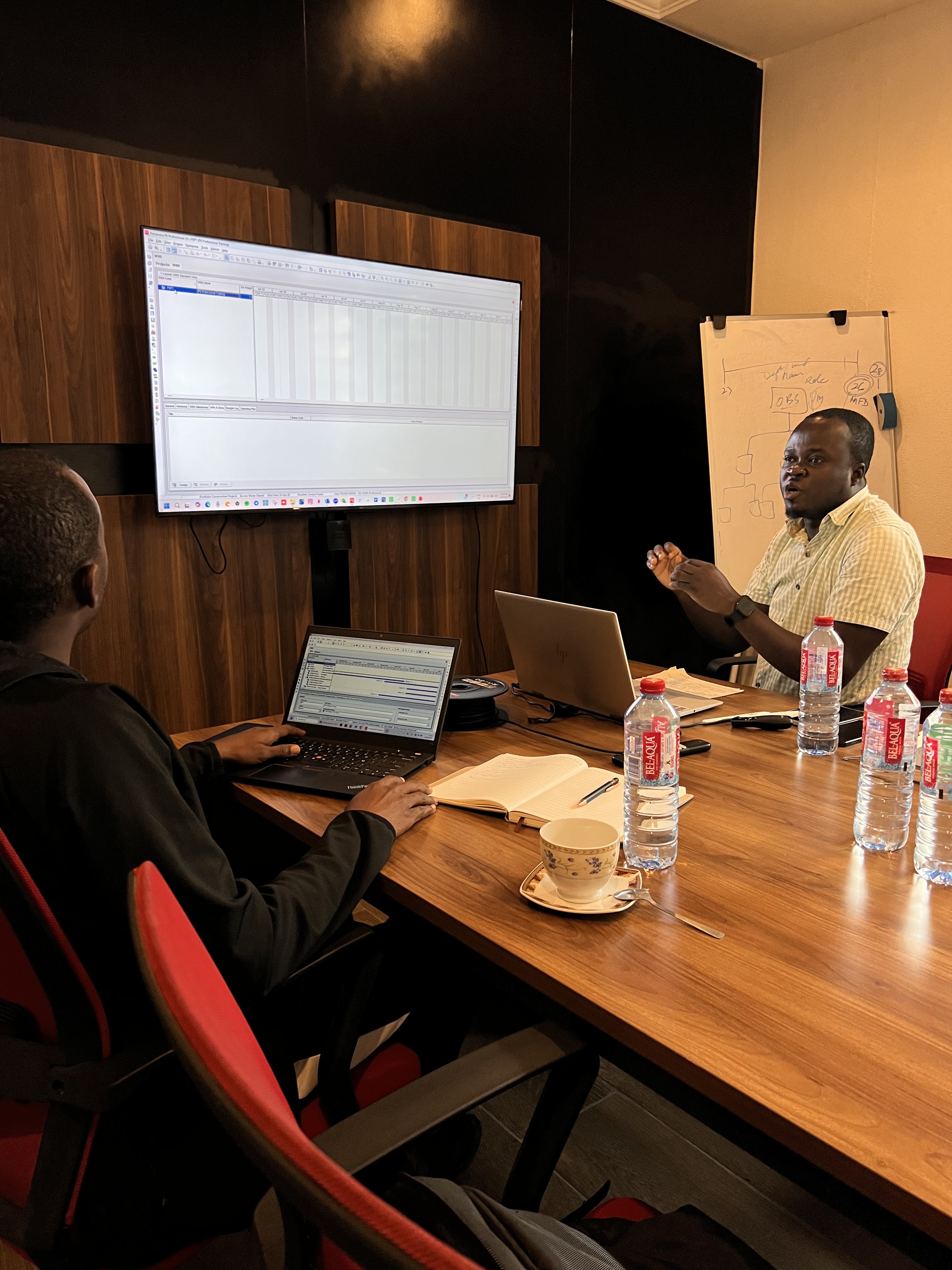
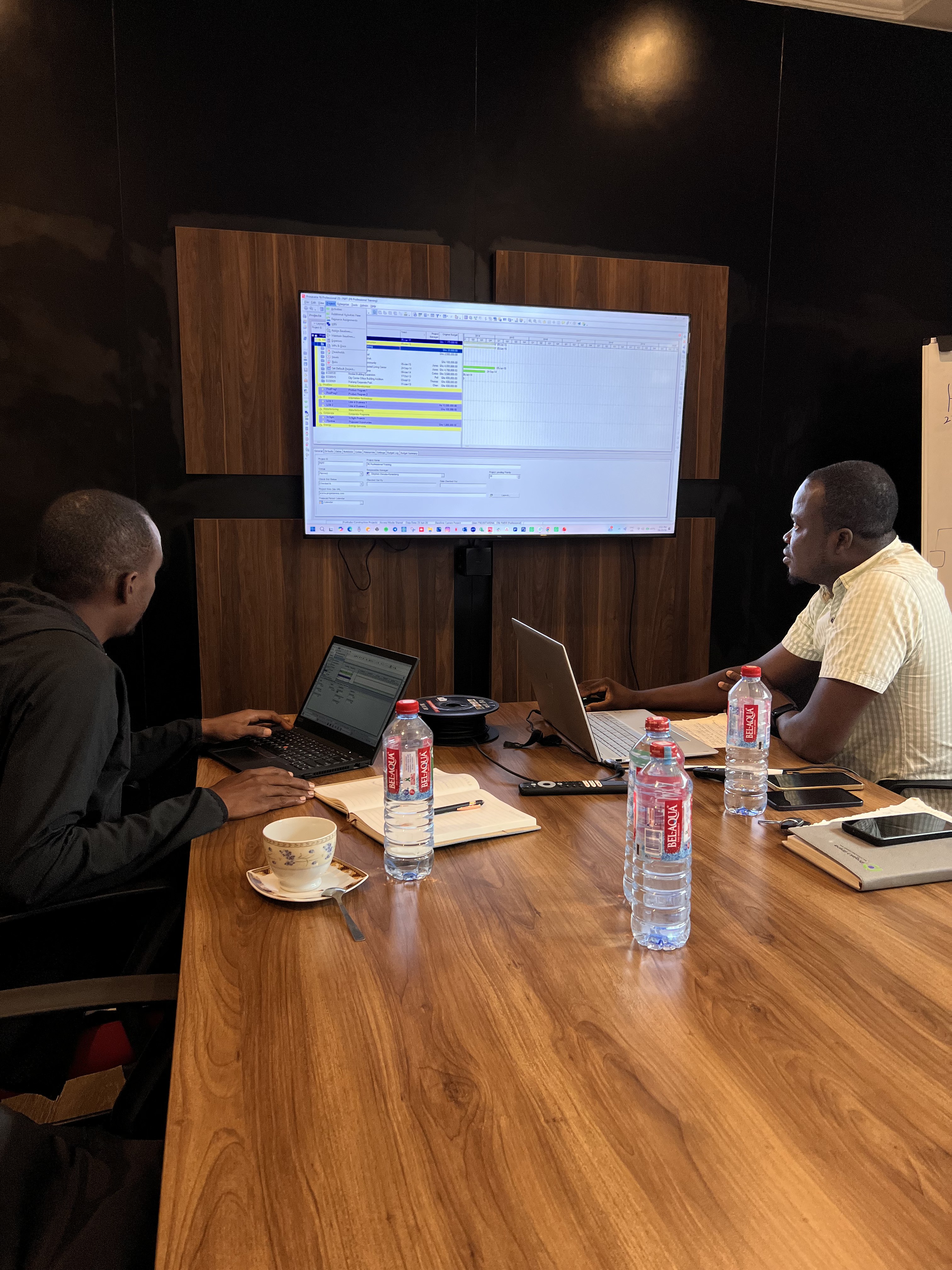
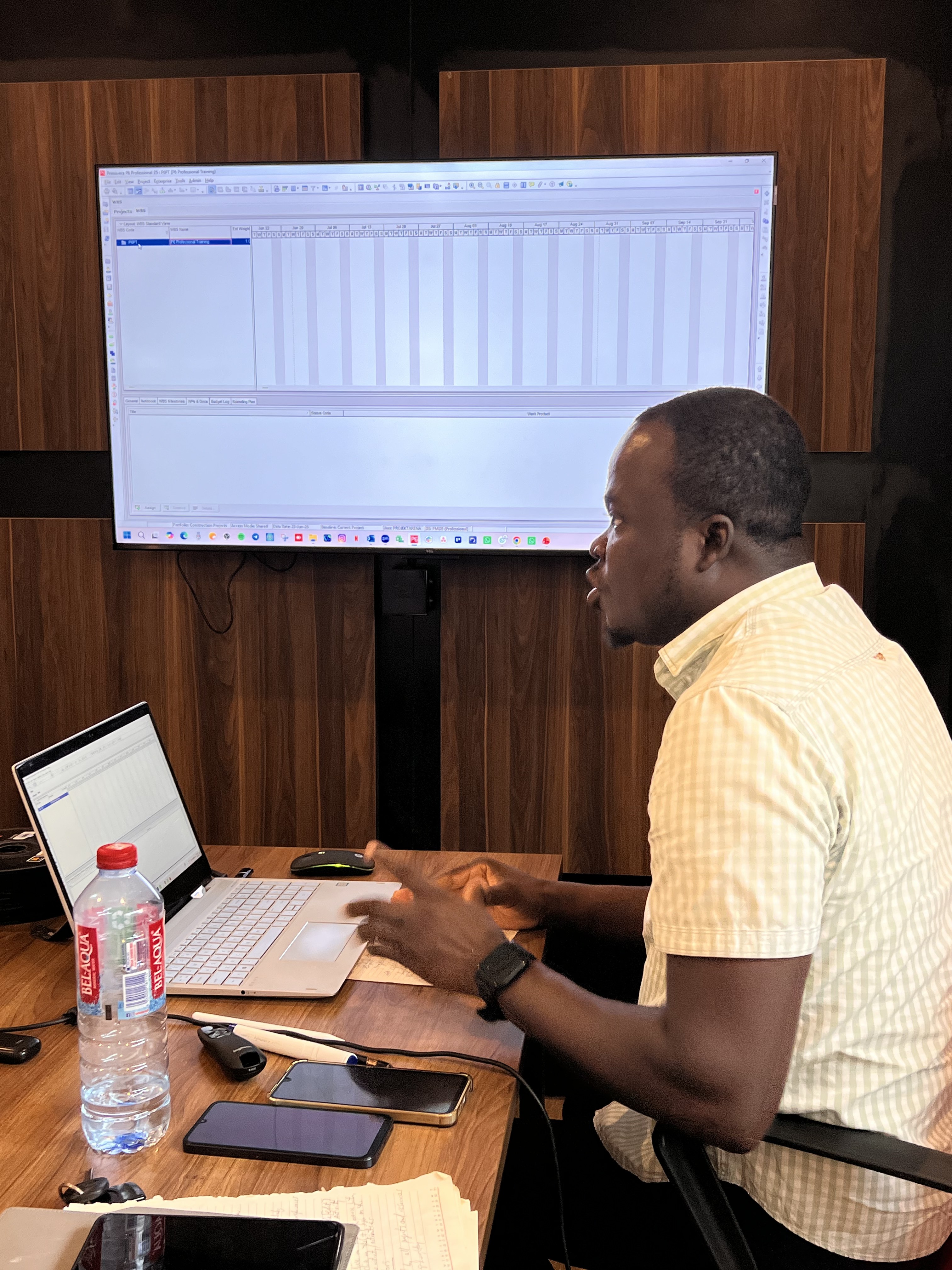
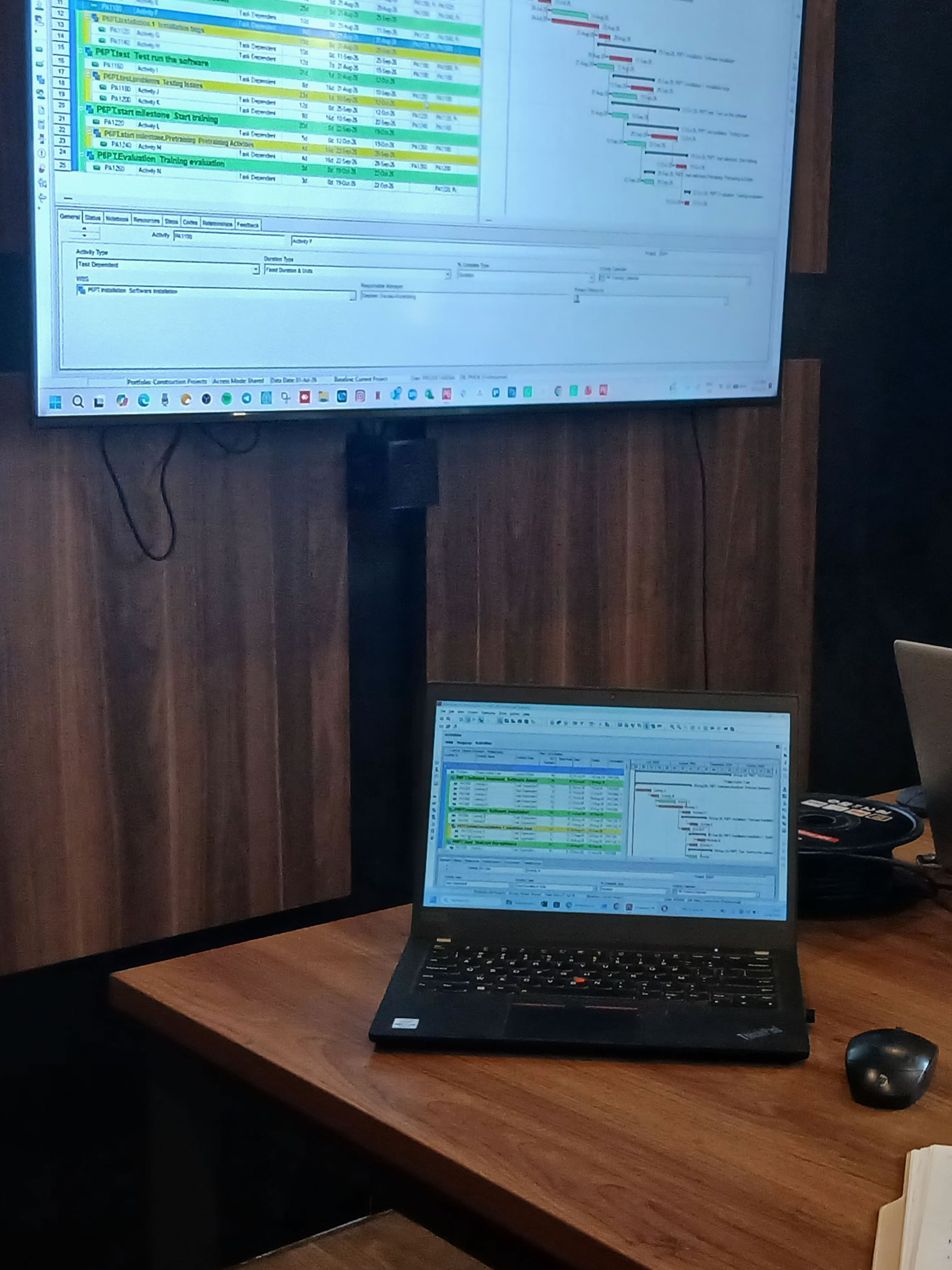
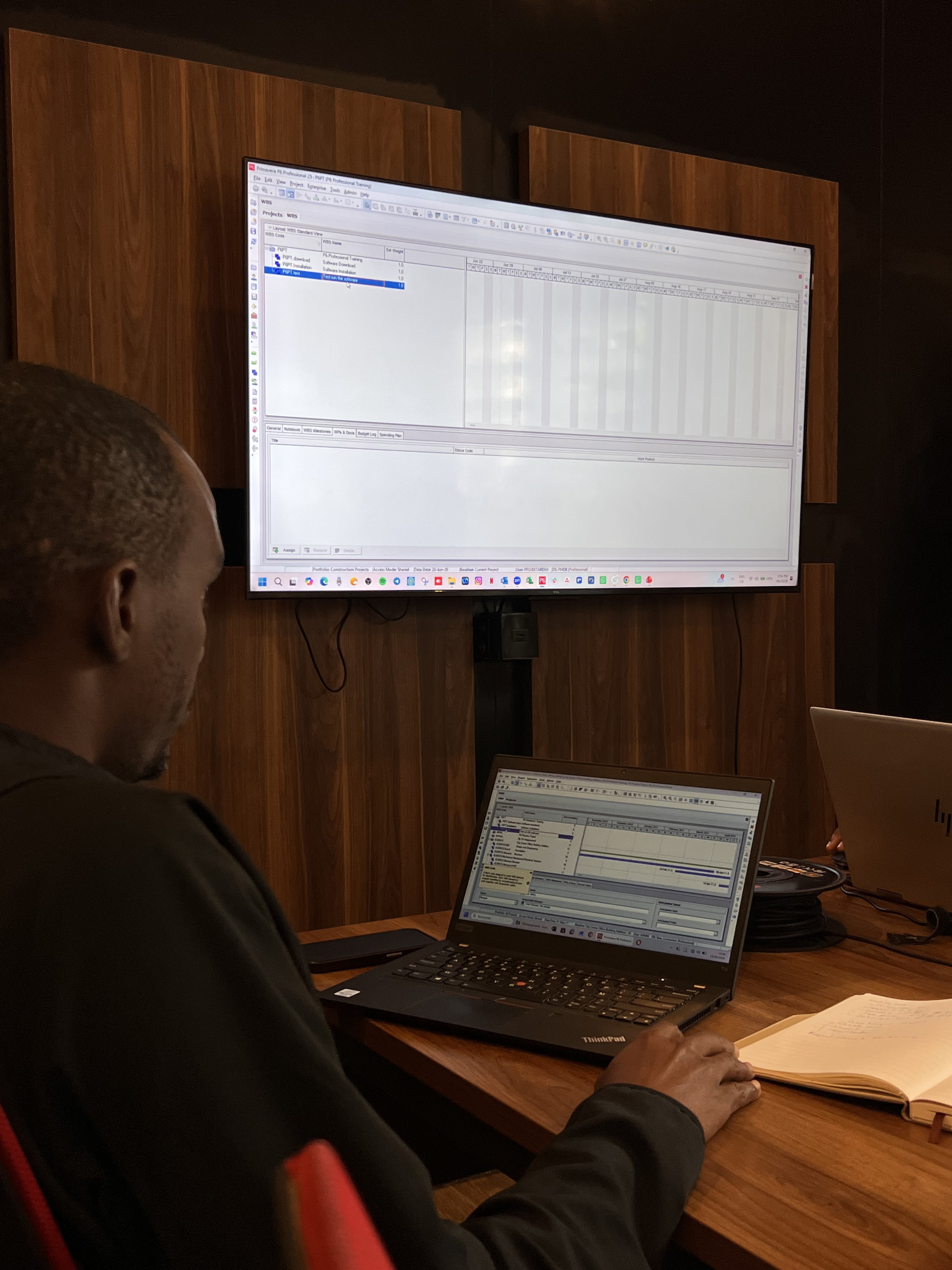
Primavera P6 (Project Management Software)

What is Primavera P6?

Primavera P6 is a project management scheduling software that provides effective and efficient project management...

Primavera P6 Training

Unlock the Power of Advanced Project Management with Primavera P6!

Get more info

Training Options

  • Weekend (Virtual & In-person) - 4 Sessions.
    9 am to 1 pm Saturdays. Only.

Start Your Application now

Training Fees

Online GHS 5000.00


We are using safe payments
  • visa-card
  • visa-card
  • master-card
  • American-express
  • visa-card
  • visa-card
90+Trained

Our trainees always give positive feedbacks

Fill the form to begin your journey
Primavera P6 Training

Who should participate in this Training?

Anyone belonging to the field of construction projects and project management should take this course in order to carry out projects in an enhanced manner. The target audience for this course is:

  • Planners, Schedulers
  • Planning Engineers
  • Program Managers
  • Construction Companies
  • Project management Consultants
  • Business Analysts
  • Small to Large Enterprises
  • IT companies, and
  • any organization or Individuals involved in any form of Projects.
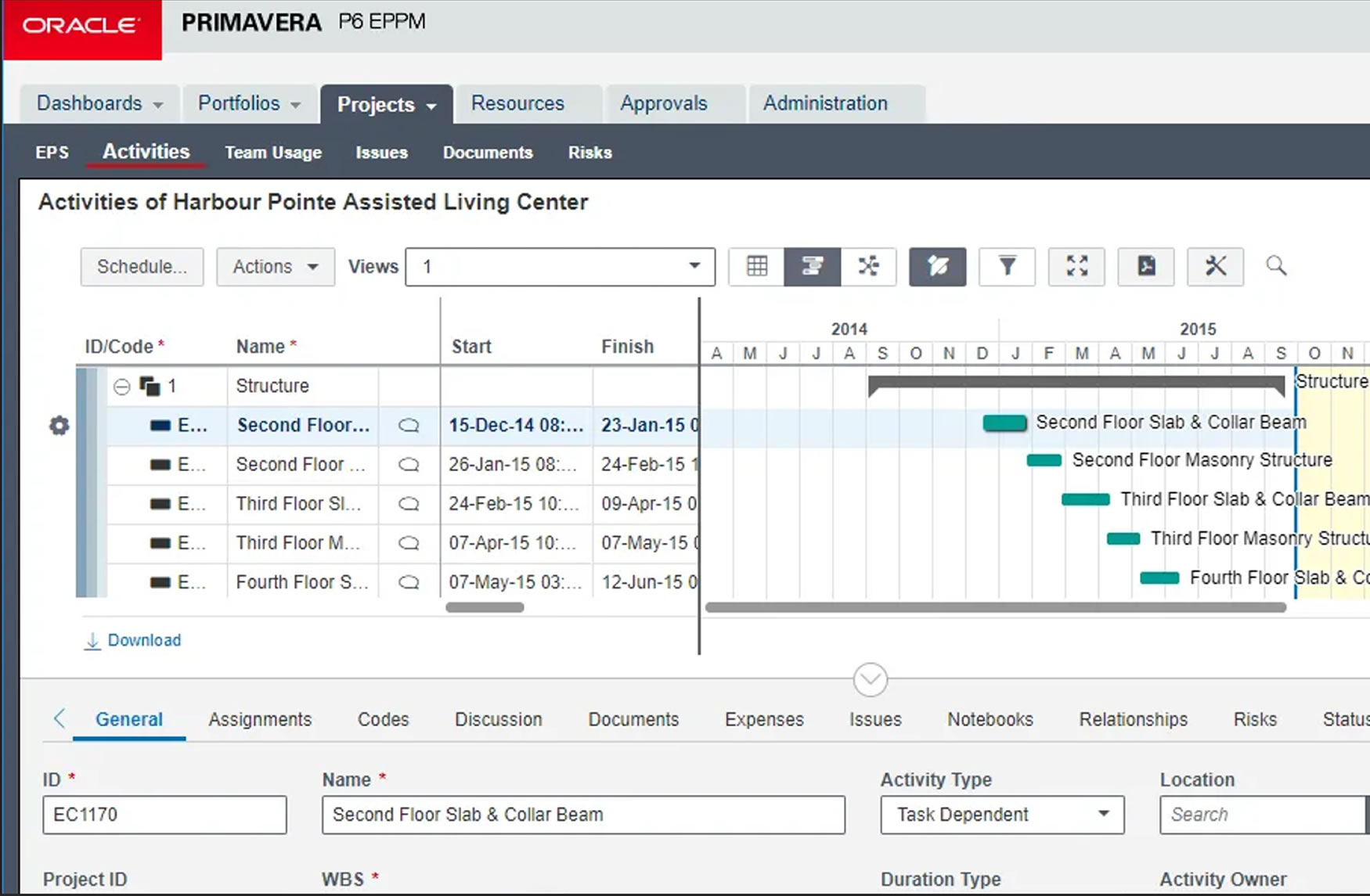
Course Outline Image

Course Outline

  • 1. Project life cycle.
  • 2. Understanding Data in P6 Professional.
  • 3. Overview & Navigation in Primavera P6 Professional.
  • 4. Creating a Project in P6 Professional.
  • 5. Creating Work Breakdown Structure.
  • 6. Adding activities.
  • 7. Creating & Assigning Calendars.
  • 8. Creating relationships.
  • 9. Scheduling.
  • 10. Assigning Constraints.
  • 11. Creating Layouts.
  • 12. Managing Work Products & Documents.
  • 13. Assigning Roles & Resources.
  • 14. Optimizing project Plans.
  • 15. Baselining Project Plans.
  • 16. Importing and Exporting data.
  • 17. Methods of applying progress.
  • 18. Executing Project Plans.
  • 19. Reflection Projects.
  • 20. Analyzing Updated Projects.
  • 21. Reporting Performance.
  • 22. Creating Outputs.
  • 23. Managing Documents.
Key Features

Key Features

Primavera P6 offers comprehensive project management capabilities, including:

  • CPM scheduling: sequence of activities to finish on schedule.
  • Work Breakdown Structure (WBS): Hierarchical components to organize deliverables.
Editions

Primavera P6 Editions

Oracle offers Primavera P6 in two main versions:

    P6 Professional (PPM):
  • A desktop-based "thick client" for detailed scheduling.
  • P6 Enterprise (EPPM):
  • A web-based, enterprise-level solution accessed via browser.
Usage Steps

How Primavera P6 is Typically Used

The process generally involves the following steps:

  • 1. Project setup: Define scope and resources.
  • 2. Schedule development: Create CPM schedules.

If you have any question, feel free to call us

+(233) 0592813465
+(233) 538176037

Monday - Friday, 09:00 AM - 5:00 PM