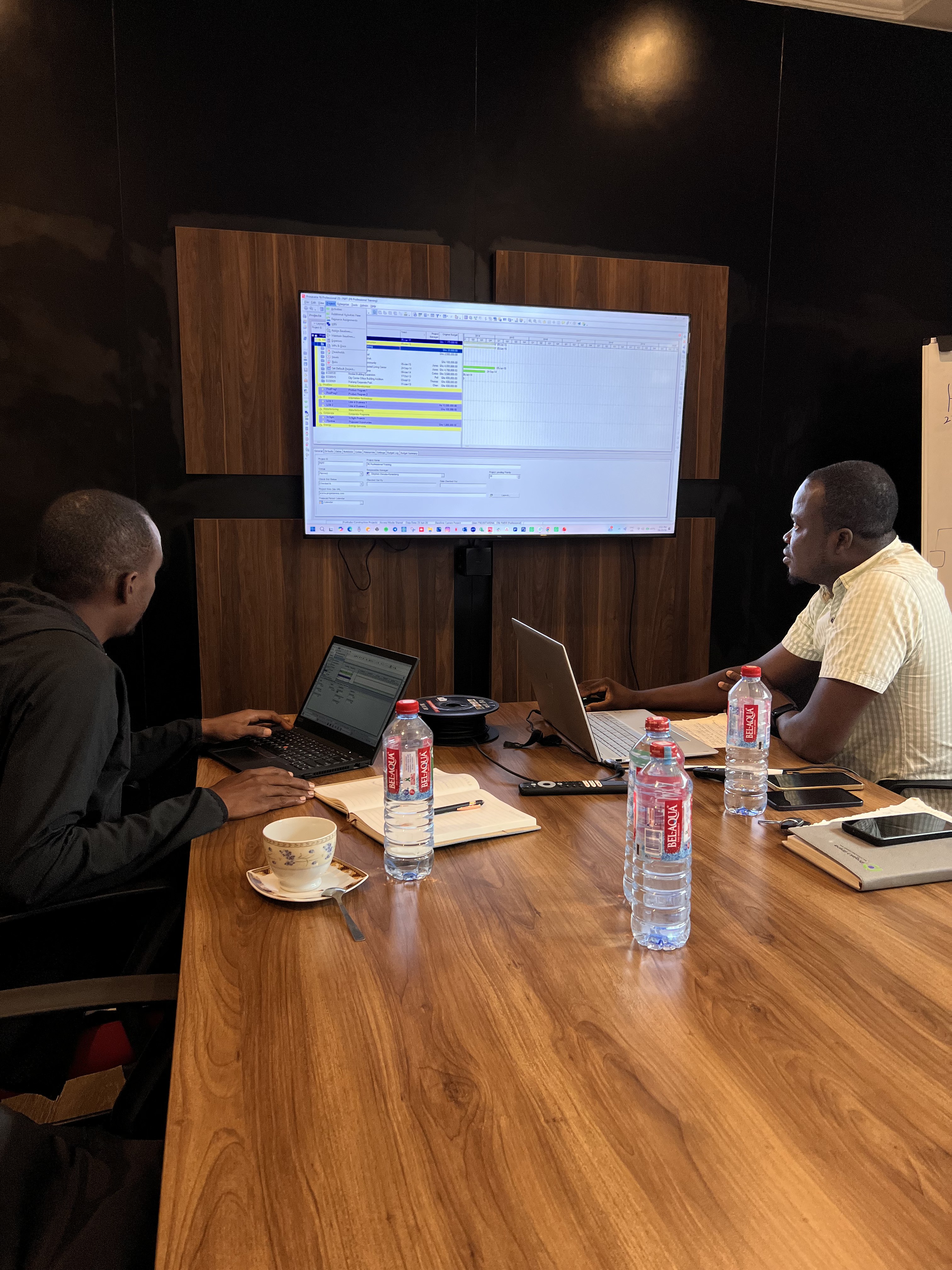
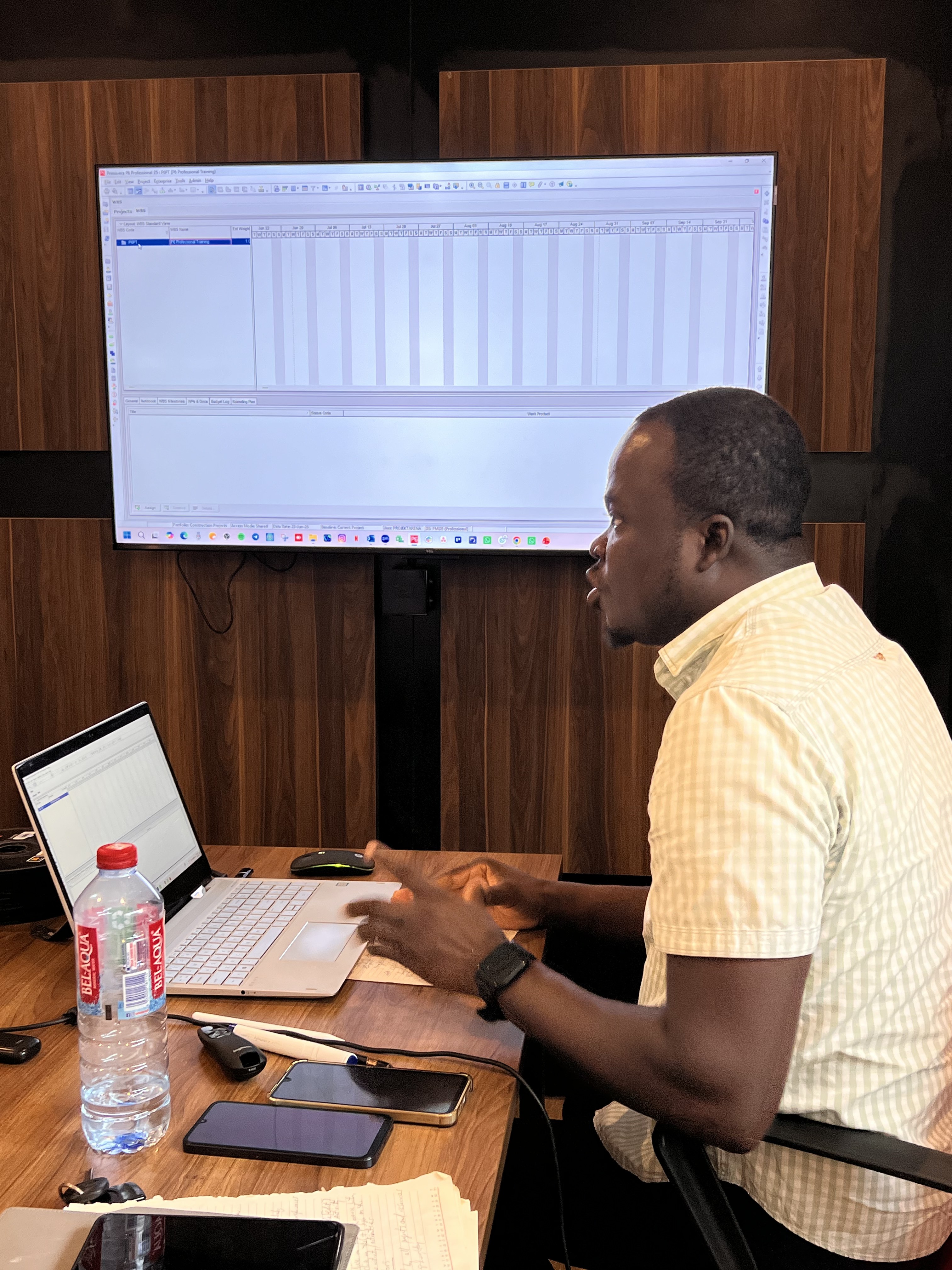
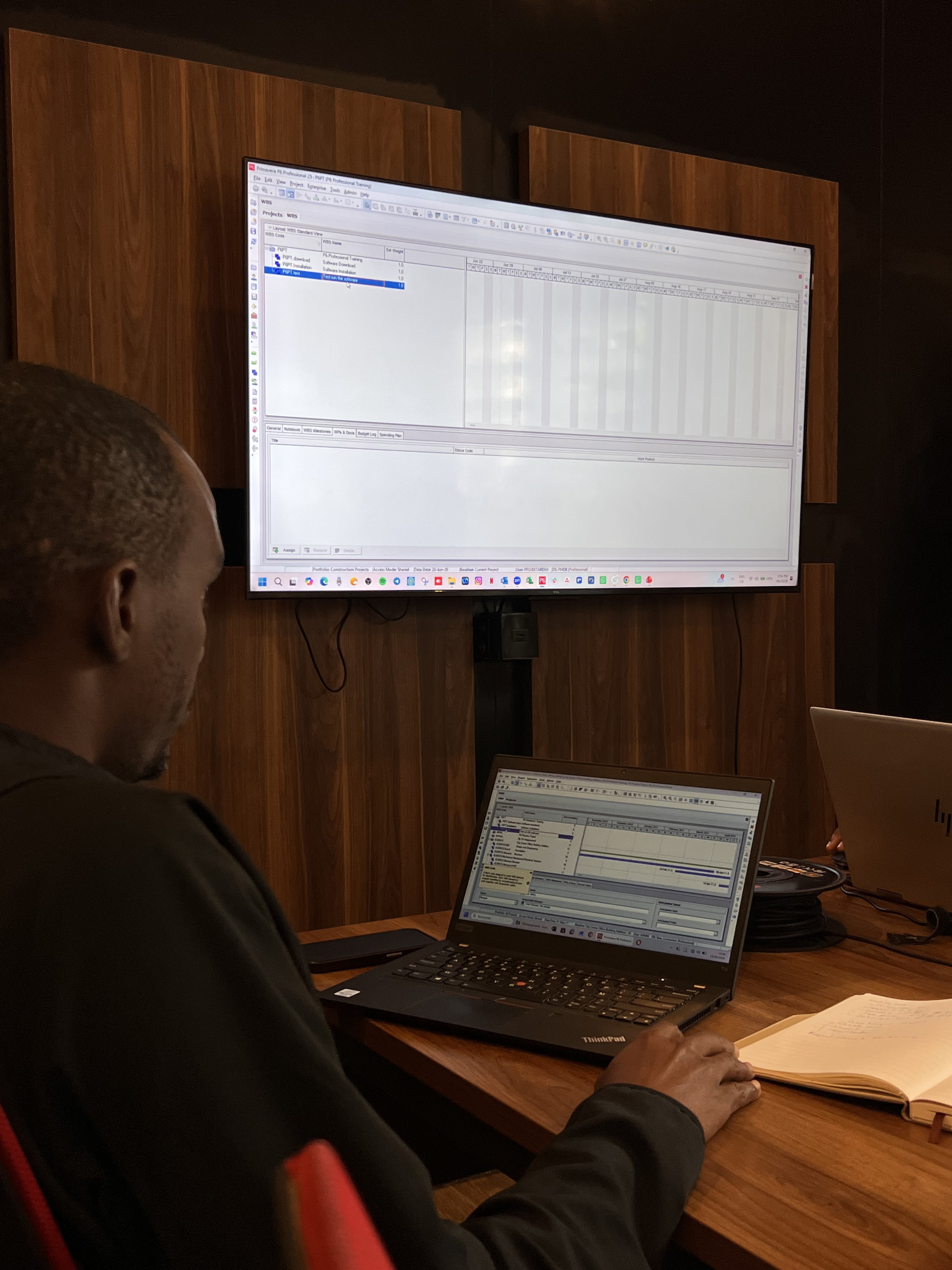
Primavera P6 (Project Management Software)

What is Primavera P6?

Primavera P6 is Oracle's powerful project and portfolio management software, built to help teams plan, schedule, and control projects of any size or complexity. It enables you to manage resources, track progress, monitor costs, and analyse performance in real time — giving project managers the visibility and control needed to deliver projects on time and within budget.

Primavera P6 Training

Unlock the Power of Advanced Project Management with Primavera P6!

Get more info

Training Options

  • Weekend (Virtual & In-person) - 4 Sessions.
    9 am to 1 pm
    Saturdays. Only.

Start Your Application now

Training Fees

Online GHS 5000.00


We are using safe payments
  • visa-card
  • visa-card
  • master-card
  • American-express
  • visa-card
  • visa-card
250+Professionals Trained

Our trainees always give positive feedbacks

Fill the form to begin your journey

Who should participate in this Training?

Anyone belonging to the field of construction projects and project management should take this course in order to carry out projects in an enhanced manner. The target audience for this course is:

  • Planners, Schedulers
  • Planning Engineers
  • Program Managers
  • Construction Companies
  • Project management Consultants
  • Business Analysts
  • Small to Large Enterprises
  • IT companies, and
  • any organization or Individuals involved in any form of Projects.
Course Outline Image

Course Outline

  • 1. Project life cycle.
  • 2. Understanding Data in P6 Professional.
  • 3. Overview & Navigation in Primavera P6 Professional.
  • 4. Creating a Project in P6 Professional.
  • 5. Creating Work Breakdown Structure.
  • 6. Adding activities.
  • 7. Creating & Assigning Calendars.
  • 8. Creating relationships.
  • 9. Scheduling.
  • 10. Assigning Constraints.
  • 11. Creating Layouts.
  • 12. Managing Work Products & Documents.
  • 13. Assigning Roles & Resources.
  • 14. Optimizing project Plans.
  • 15. Baselining Project Plans.
  • 16. Importing and Exporting data.
  • 17. Methods of applying progress.
  • 18. Executing Project Plans.
  • 19. Reflection Projects.
  • 20. Analyzing Updated Projects.
  • 21. Reporting Performance.
  • 22. Creating Outputs.
  • 23. Managing Documents.
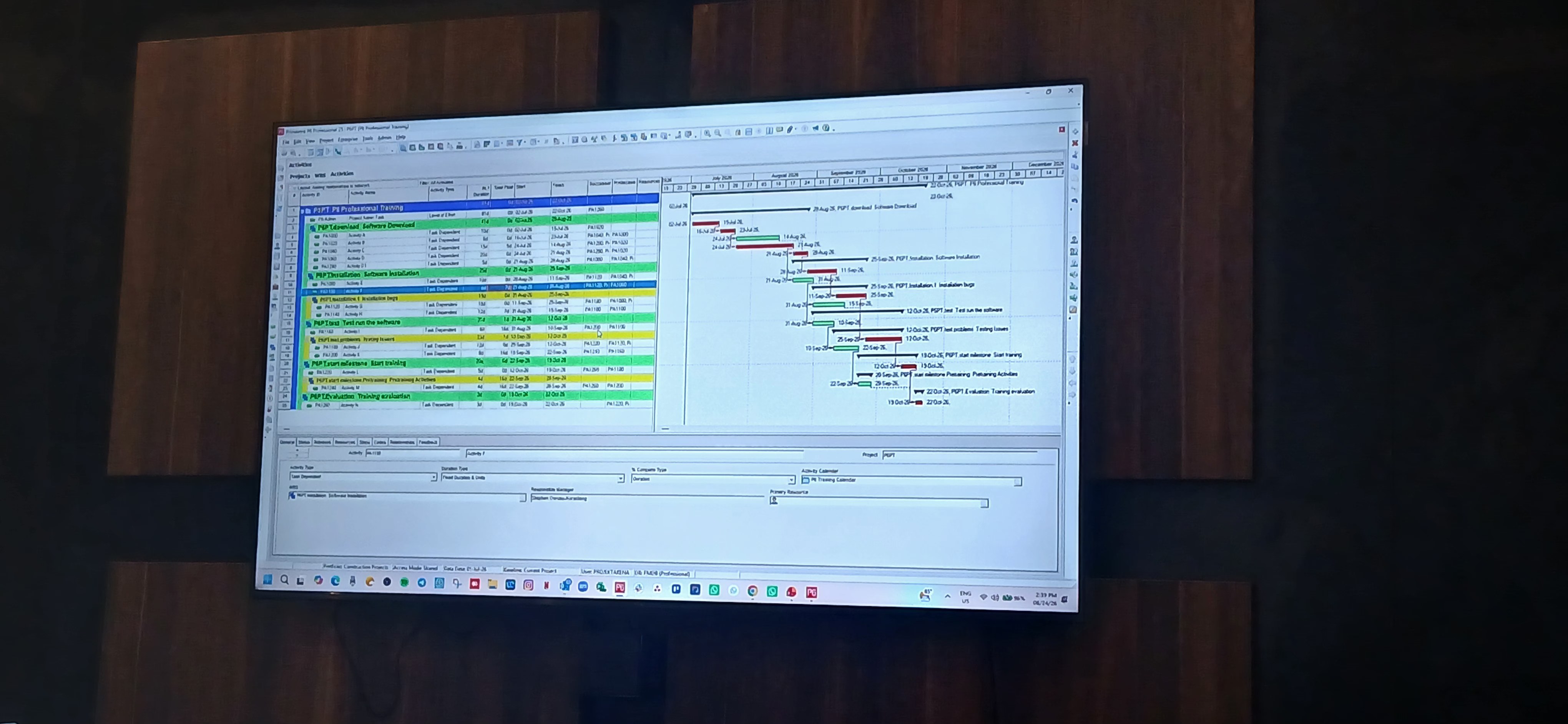
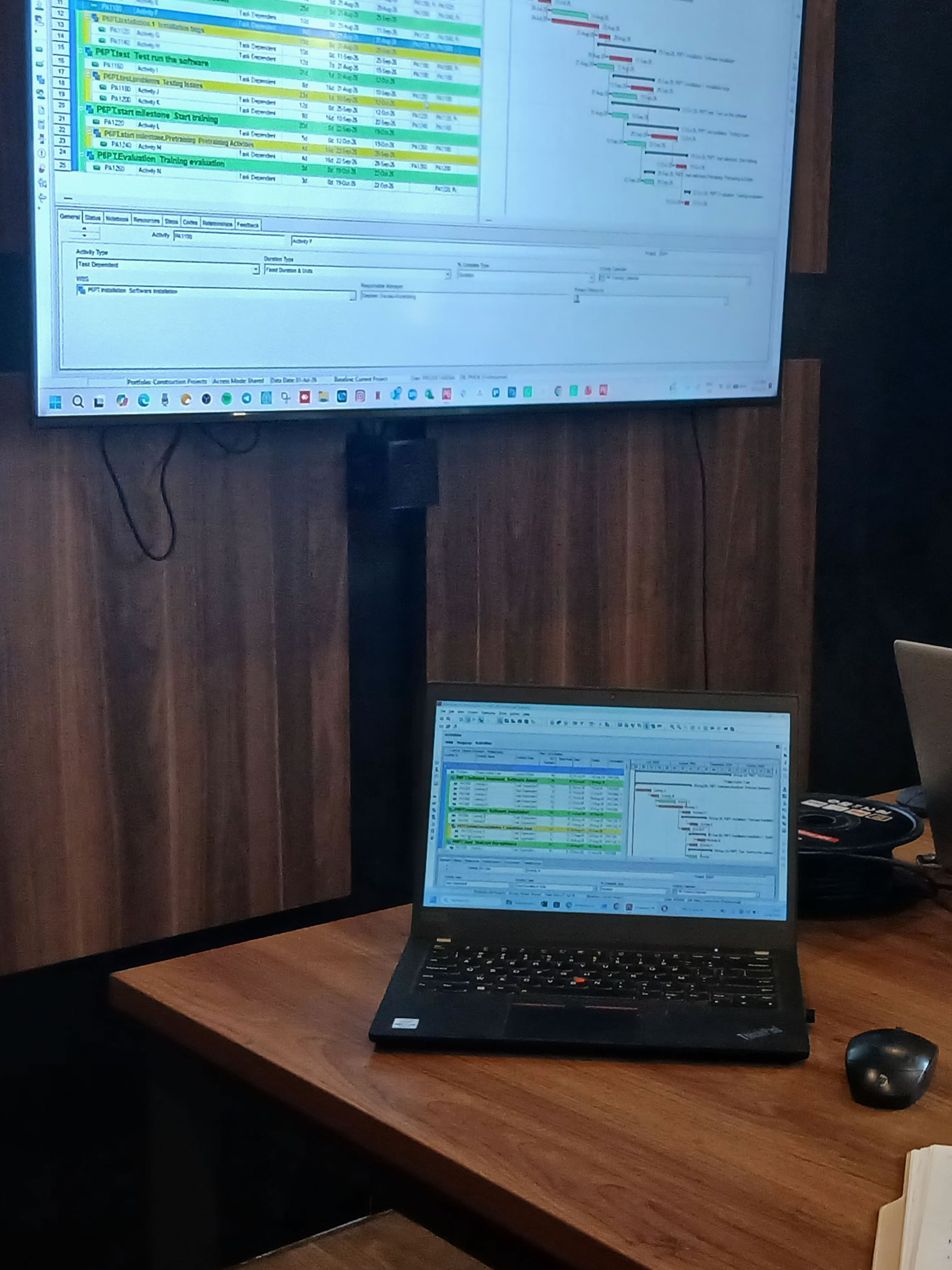
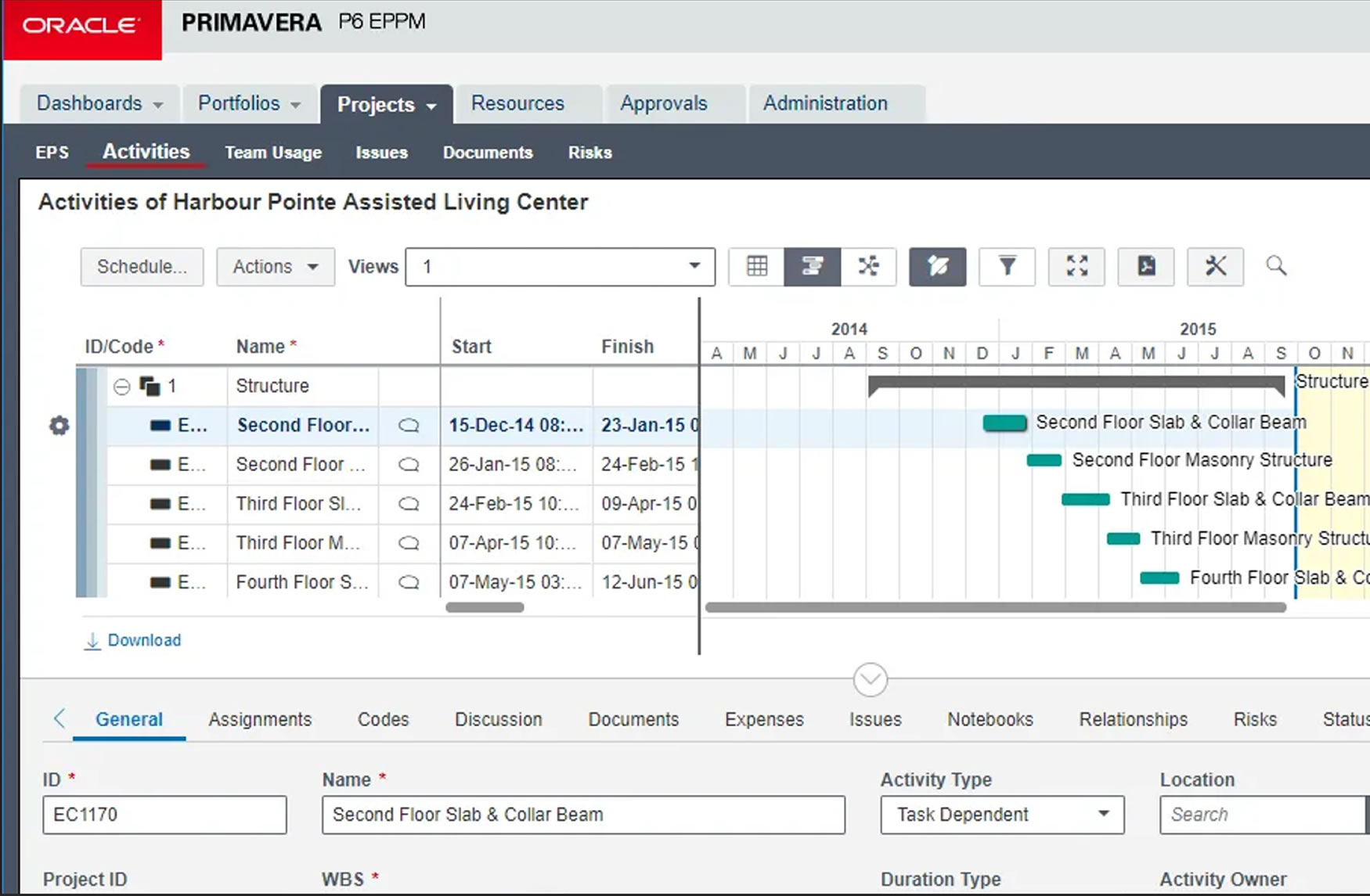
Primavera P6 Gantt Chart Schedule

Key Features

Primavera P6 offers comprehensive project management capabilities, including:

  • Critical Path Method (CPM) scheduling: P6 creates schedules by determining the "critical path" the sequence of activities that must be completed on time for the entire project to finish on schedule.
  • Work Breakdown Structure (WBS): The software allows users to break down large projects into manageable, hierarchical components to organize and track deliverables.
  • Resource management: Project managers can assign resources (like labor and equipment) to specific activities, track their utilization, and perform "what-if" scenarios to ensure efficient allocation.
  • Cost control: The software provides tools to track and forecast project expenses, allowing managers to ensure projects stay within budget.
  • Risk management: Users can identify, analyze, and develop mitigation strategies for potential project risks.
  • Reporting and analytics: Primavera P6 generates customized reports and dashboards with graphs and charts to provide real-time visibility into project health and performance.
  • Multi-user access: Both major versions of the software allow multiple users to collaborate on the same project schedule through a central database.
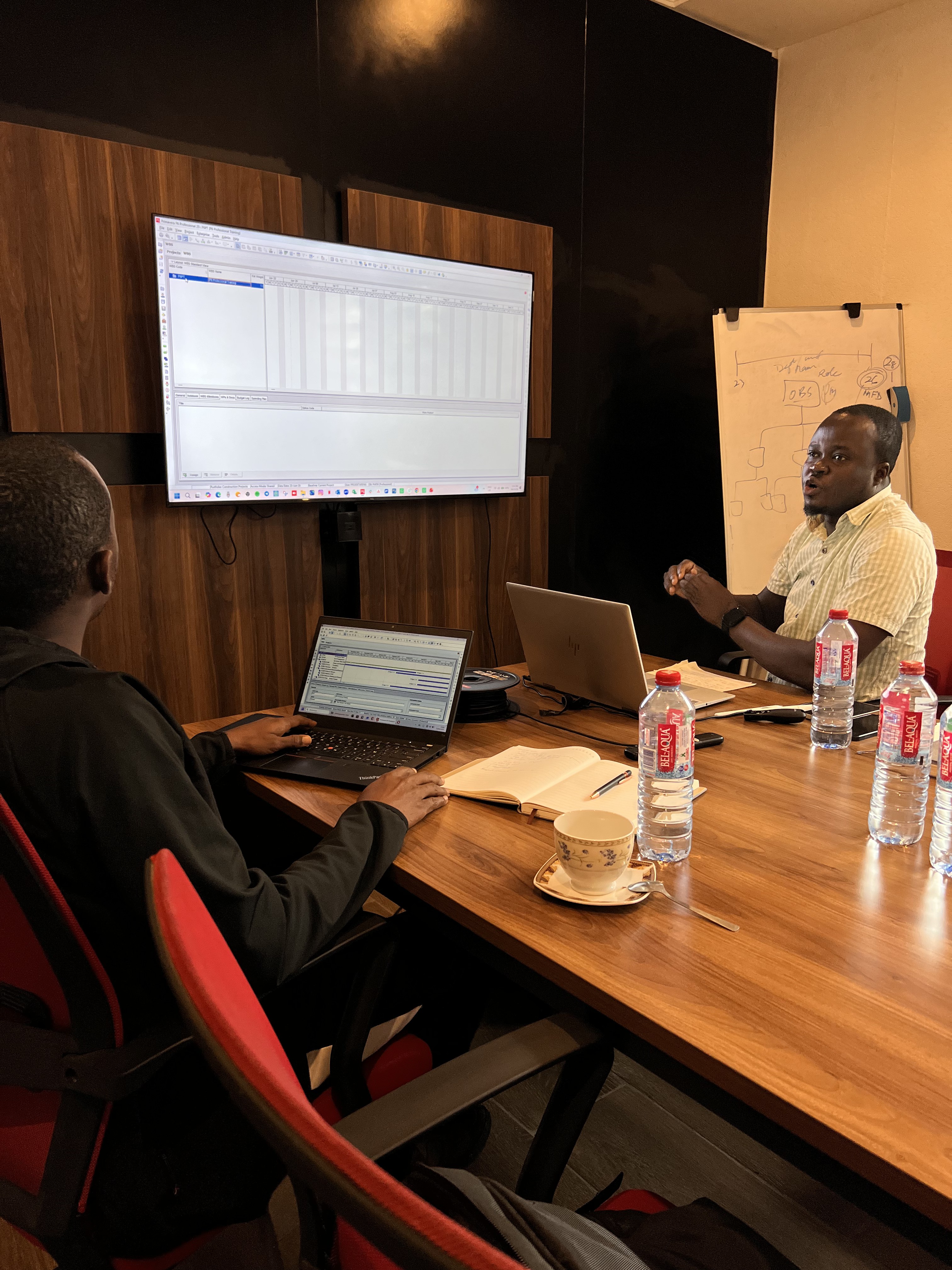
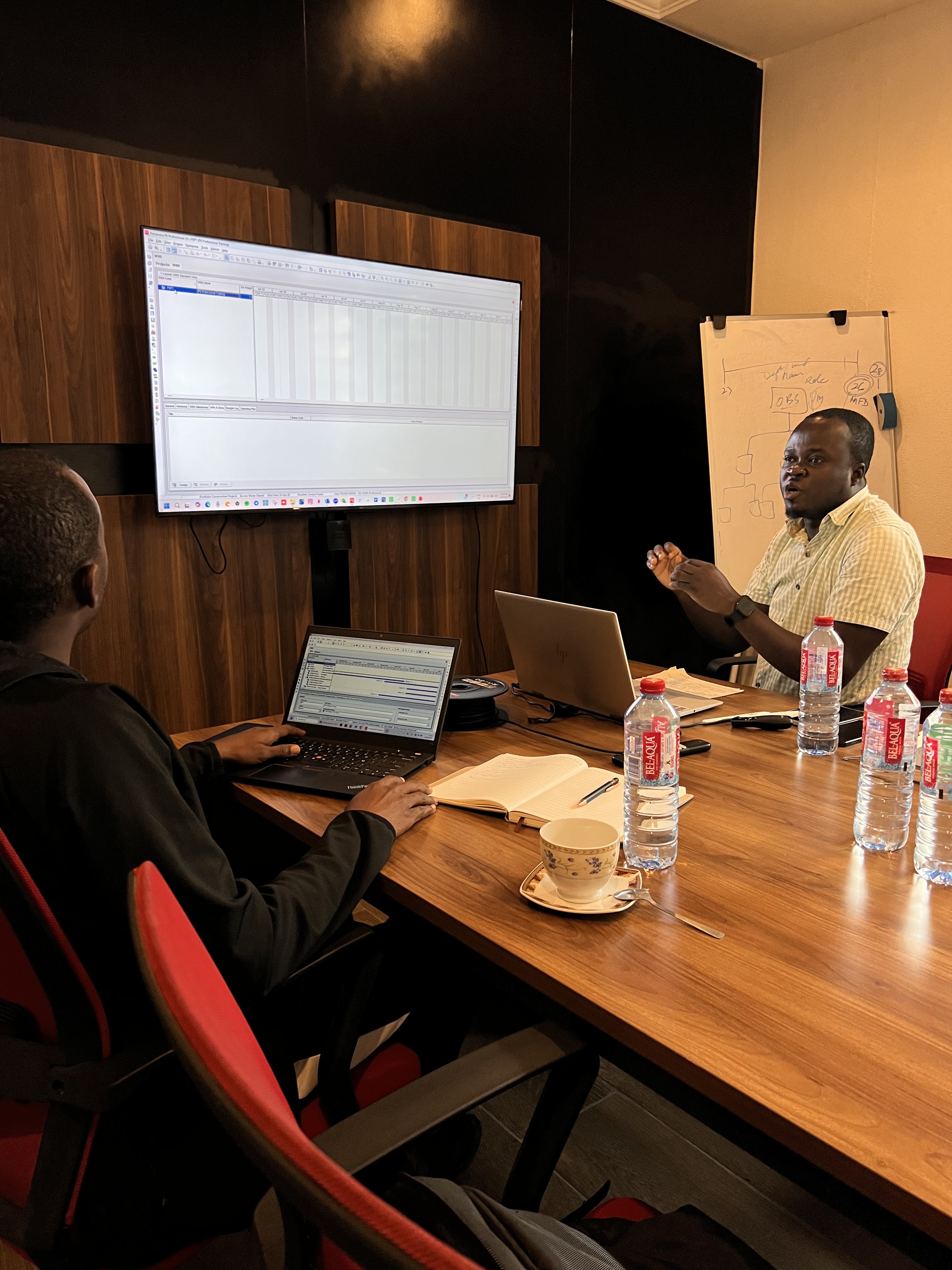
Primavera P6 Training Session

Primavera P6 Editions

Oracle offers Primavera P6 in two main versions to suit different organizational needs:

    Primavera P6 Professional Project Management (PPM):
    • A desktop-based, "thick client" application designed for powerful, detailed scheduling by individual planners or small teams.
    • Connects to a database and is ideal for industries that require highly detailed and precise scheduling, such as engineering and construction.
    Primavera P6 Enterprise Project Portfolio Management (EPPM):
    • A web-based, enterprise-level solution accessed through a browser.
    • Allows for managing a portfolio of projects simultaneously, with robust dashboards and team collaboration features.
    • Better suited for large organizations with many users and projects that require high-level portfolio oversight.
Usage Steps

How Primavera P6 is typically used

The process of using Primavera P6 generally involves the following steps:

  • 1. Project setup:1. Define the project scope, timelines, and resources required.
  • 2. Schedule development: Create a detailed schedule using the Critical Path Method, with assigned tasks, dependencies, and resources.
  • 3. Resource assignment: Allocate and manage resources to optimize their use and track their availability.
  • 4. Risk analysis: Identify and create plans to mitigate potential risks.
  • 5. Monitoring and tracking: Regularly track progress against the baseline schedule.
  • 6. Reporting: Generate reports for project stakeholders to communicate progress and performance.

If you have any question, feel free to call us

+(233) 0592813465
+(233) 538176037

Monday - Friday, 09:00 AM - 5:00 PM