Overview
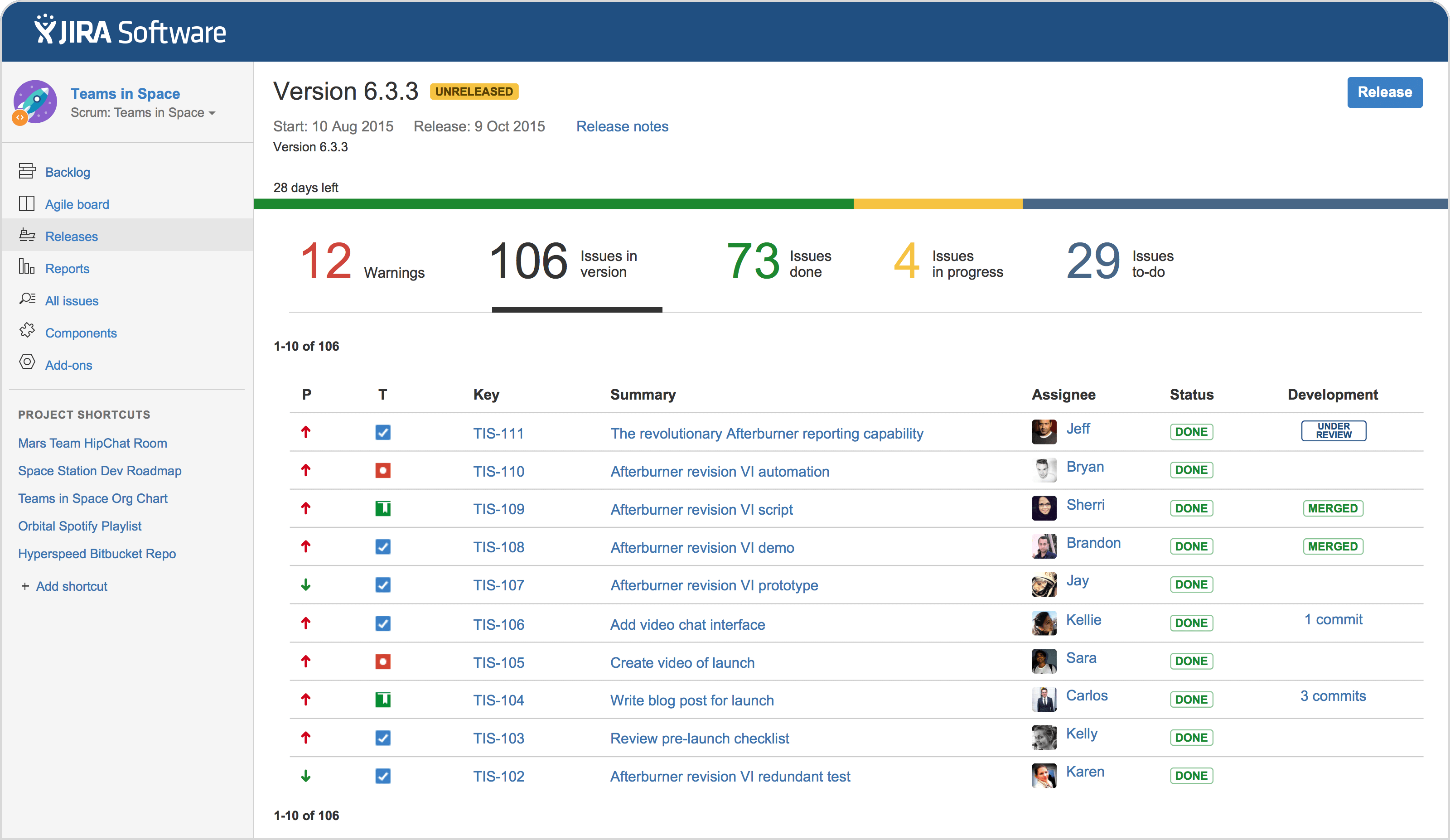
Jira is an agile project management software from Atlassian designed to help teams plan, track, and release software and other products. It offers various features for project planning, including roadmaps and backlogs, and tracking, such as boards and reporting, to support agile methodologies like Scrum and Kanban. While it started as a software development tool, Jira is now used across various departments for bug tracking, project management, and more, providing a single source of truth for project work and fostering team collaboration.
This training will help you gain practical hands-on in Creating a project in Jira, Pick a template, Set up your columns, Create a work item, Connect your tools, Invite your team, Move work forward, advance planing etc.
Course Schedule